Imago Printer
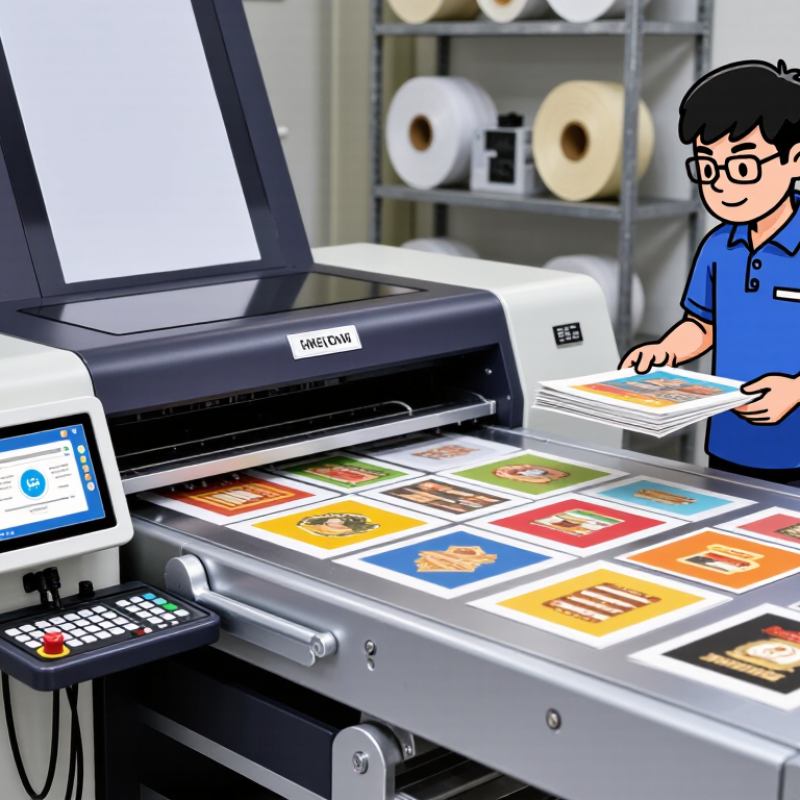
Short-run printing often means a few dozen menus, a limited batch of product labels, or event invitations needed by Friday. For these jobs, setup time can matter as much as press speed. Why are digital printers more efficient for short runs? They can send a prepared file directly to print without making plates for each job. That reduces preparation steps and makes small quantities practical. Less waiting.
Digital presses also support quick changes between versions. A print shop can produce one set with a revised address, then switch designs without rebuilding a full production setup. This helps local businesses test packaging, publishers order proof copies, and teams create personalized mailers. Variable data tools can change names or codes while keeping the main layout consistent. The benefit is not magic; file checks, color calibration, and finishing still take time.
Costs depend on the printer, paper, ink or toner, and finishing choices. Digital printing may cost more per copy than offset printing at high volumes, so “efficient” does not always mean cheapest. Compare the full job: setup, waste, turnaround, and the number of usable copies. A small job can still suffer from low-resolution images or incorrect bleed. And color may vary slightly across materials. That deserves a proof. This article explores where digital printing saves time and resources, where it does not, and how to choose the right process for a short run.
A standard four-color CMYK offset job needs four separation plates, one for each ink: cyan, magenta, yellow, and black. Each plate must be made, mounted, and registered before the press can produce saleable sheets. That setup takes time and materials, even for a short run of 100 menus. Digital printing skips the plates. A prepared file goes to the press, where color calibration and a test sheet still matter, but there is no plate-making stage. That matters.
Smithers’ study The Future of Digital Printing to 2022 estimated that digital printing represented 2.1% of print volume but 16.2% of print value in 2017. The gap reflects digital’s role in shorter, higher-value jobs, though it does not prove digital is cheapest for every order.
For a small batch of event programs, avoiding four plates can reduce setup work and make late text changes easier. Offset may become more economical as quantities rise, because its setup cost is spread across more copies. Digital still needs checks: color matching, paper choice, and finishing can affect both cost and consistency. The plate advantage is real, but it is only one part of the job.
Digital printing changes what happens before the first copy. In plate-based workflows, each color may require a plate, imaging, mounting, and registration checks. For a few dozen or a few hundred pieces, preparation can take longer than the press run itself. Digital presses transfer the approved file to the imaging system without creating physical plates. No plates. Less waiting.
This difference matters for event menus, test brochures, instruction sheets, and localized flyers. A print operator can check the first sheets for color and alignment, adjust the file, and reprint only the affected quantity. Names, dates, or regional details can also vary from copy to copy without rebuilding plates. For buyers, that may mean lower setup costs and less outdated stock sitting in storage.
The advantage is not automatic. Files still need correct dimensions, bleed, resolution, and color settings, and the press may require calibration for the chosen paper. Digital printing can also cost more per impression on larger orders, depending on the job and finishing. Small runs tend to benefit most when artwork is approved early and quantities are realistic. Removing plate-making saves a step, not judgment.
| Production dimension | Digital printing | Offset printing | Why it matters for short runs |
|---|---|---|---|
| Image setup | Print data is prepared electronically; printing does not require printing plates. | The job generally requires image-bearing plates to be made and mounted before printing. | Removing plate production reduces prepress steps before the first copy. |
| CMYK color separation | No physical CMYK plates are needed for the digital press. | A conventional four-color process job typically uses four plates: cyan, magenta, yellow, and black. | Digital avoids the plate-making and plate-handling steps associated with a standard CMYK offset job. |
| Make-ready | The press still needs file checks, material loading, and color or registration checks, but no plate mounting. | The press needs plate mounting and make-ready checks, including ink and registration adjustments. | Digital has fewer setup tasks, although actual setup time depends on the press, job, and finishing requirements. |
| Artwork changes | A revised, print-ready file can be sent to the press without producing new physical plates. | A change affecting the plate image generally requires replacement plates. | Late corrections or multiple versions can be simpler to manage digitally. |
| Different content per copy | Variable data, such as names or unique codes, can be changed from copy to copy when the workflow and equipment support it. | Conventional offset plates reproduce a fixed image; changing individual copies usually requires another production method or workflow. | Digital is well suited to personalized short-run materials. |
| Cost pattern | Avoids physical plate costs; per-copy cost is often comparatively steady across quantities. | Plate-making and make-ready create upfront costs; the cost per copy often falls as the run grows. | The lower setup burden can make digital economical for smaller quantities, while the best option depends on job specifications and supplier pricing. |
| Best-fit run length | Often a practical choice for short runs, frequent revisions, or personalized copies. | Often a practical choice for larger, consistent runs where setup costs can be spread across more copies. | There is no universal break-even quantity; it varies with equipment, paper, color requirements, finishing, and turnaround. |
Note: These are general process characteristics. Exact costs, setup times, print quality, and the break-even quantity vary by press, job specifications, and print provider.
Digital printing makes a one-copy job possible without preparing printing plates. Send a finished file, choose the paper, and print a single booklet, poster, or product sheet. Just one copy. This is useful when a team needs a sample for a meeting or a replacement page before a larger order is ready.
The same process suits short runs where details may change between copies. A café could print 12 menus, then adjust a price next week without storing hundreds of outdated sheets. Personalised names or versions can also be printed from one file. Still, the first print deserves a careful check. Small text, dark photographs, and colors on screen may look different on paper. A proof can catch problems, though checking it takes time.
For very small quantities, digital printing can reduce leftover stock and avoid the cost of preparing traditional plates. It can also make reordering simpler: keep the file, confirm the paper and size, then print only what is needed. The trade-off is that a high-volume order may cost less per copy using another process. And not every paper behaves the same way; thick or textured stock may need testing. For a single copy, flexibility can matter more than the lowest unit price.
With 1:1 variable-data printing, every copy can carry details chosen for its recipient. A neighborhood café might print a different offer for each customer group, while a training team can place each learner’s name and course details on individual workbooks. The pages move through one digital job, rather than requiring separate print runs for every version.
This is especially useful when quantities are small and changes are frequent. Instead of storing piles of generic brochures, a team can print a few hundred pieces with updated dates, local addresses, or tailored messages. A name, image, or paragraph can change from one sheet to the next. That matters. Staff spend less time sorting versions by hand, and fewer outdated copies may be left in storage.
The data still needs careful preparation. A misspelled name or mismatched offer can repeat across an entire batch, so a sample run and record check are sensible safeguards. Errors travel fast. Personalization can also feel awkward when it uses irrelevant details; more data does not automatically make a message more useful. Short-run digital printing makes individual variation practical, but thoughtful targeting remains a human task.
Variable-data printing can personalize each copy without creating a separate print setup for every version.
Example 1,000-copy job: a static run repeats one design, while variable-data printing can give each copy different text or images. The figures describe this example, not an industry benchmark.
Digital printers make short runs efficient by removing many fixed steps tied to traditional plate-based production. A shop can print 80 menus, 250 event programs, or a small batch of product inserts without producing extra copies to justify setup. Files can be adjusted between jobs, so a late price change or corrected date does not require replacing an entire stock. Less excess inventory can mean less storage and fewer outdated items, though the savings depend on the job and workflow.
The scale of the shift is reflected in Smithers’ industry report, The Future of Digital Printing to 2032. It estimated the global value of digital print at $167.5 billion in 2022 and projected $251.1 billion by 2032. That market forecast does not prove every short run costs less; paper choice, finishing, and machine time still matter. There is a catch. Very small jobs may carry a higher unit price, and reprints still consume materials. A practical approach is to print a quantity close to expected demand, review actual sell-through, then adjust the next batch. It is not perfect forecasting. But it can keep cartons of unused, date-sensitive materials from gathering dust.
It usually needs four separation plates: cyan, magenta, yellow, and black. Each plate must be prepared and registered. That takes time.
No. Digital printing sends an approved file to the press without making plates. Calibration and test sheets still matter.
It often suits short runs, such as 100 event programs or a dozen menus. Setup can be simpler, and less stock may go unused.
Yes. One booklet, poster, or replacement page can be printed from a finished file. Just one copy.
No. Digital may help avoid setup costs on small orders, but offset can cost less per copy as quantities rise. The job details matter.
Yes. Names, dates, or regional details can vary without rebuilding plates. Still, each version needs a careful file check.
Confirm dimensions, bleed, resolution, and color settings. A test sheet can reveal small text or colors that look different on paper.
Yes. Thick or textured stock may need testing, and finishing can affect cost and consistency. I might overlook that when focusing only on plates.
Why are digital printers more efficient for short runs? Traditional four-color CMYK offset printing requires four separate plates, along with the time and expense of preparing them before production can begin. Digital printing skips plate-making, reducing setup work and allowing the first copy to be produced quickly. This makes it practical to print even a single copy, rather than needing a large quantity to justify the setup.
Digital printing can also personalize every item in a run, changing text or images from one copy to the next through 1:1 variable-data printing. This flexibility suits targeted materials and other projects where each piece may need different information. By producing only the quantity currently needed, businesses can better match print runs to actual demand, avoid unnecessary surplus, and respond more easily when requirements change. Together, fast setup, no plates, and adaptable production make digital printing an efficient choice for short runs.