 Imago Printer
Imago Printer
Imago Printer
Print alignment issues can be a common frustration in the plastic card printing industry. "Why is the print alignment off on my plastic cards" is a question often posed by many businesses. Expert Mark Thompson, a leader in card production, states, "Alignment problems usually stem from issues in the printing process."
Several factors can contribute to these alignment issues. Poor calibration of printing machines can lead to misaligned graphics. Additionally, paper or plastic warping can drastically affect the final output. It's essential to ensure that the materials used are of high quality and compatible with the printers.
Understanding the root causes of misalignment can significantly improve the final product. When businesses invest time in examining their printing processes, they may find room for improvement. This reflection can lead to enhanced quality control measures. By addressing common pitfalls, businesses can reduce waste and increase customer satisfaction, ultimately driving better results in their card production efforts.
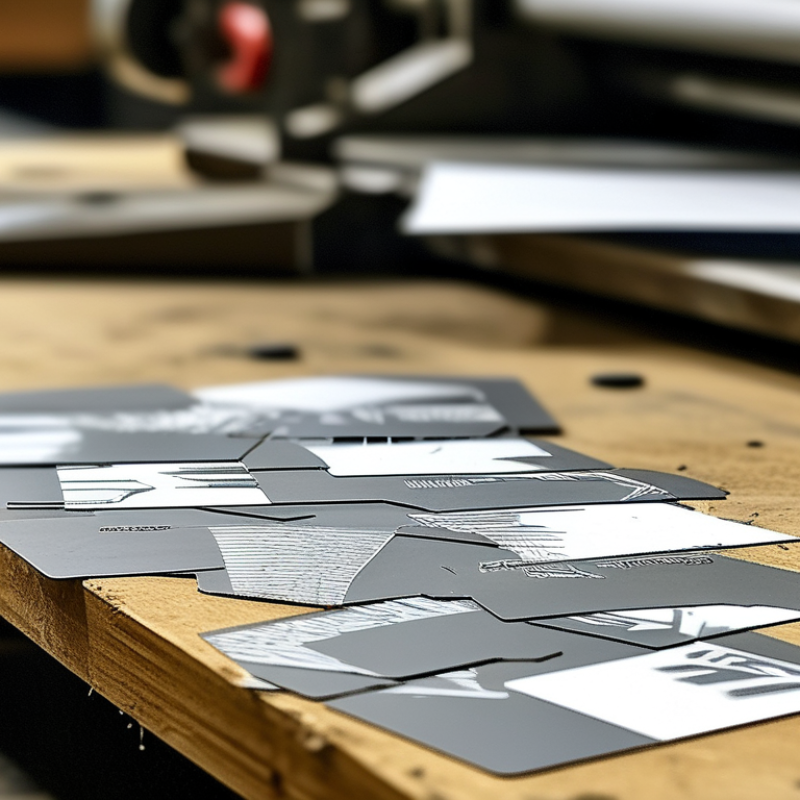
Print alignment issues in plastic cards can stem from several common causes. One major factor is the calibration of printing equipment. An estimated 30% of misalignments arise from improper setup. If printers are not correctly aligned, the positioning of graphics and text can easily shift. This often leads to cards that fail to meet quality standards.
Another significant source of alignment problems is the card stock itself. Variations in thickness can cause feeding issues during the printing process. A recent industry report indicates that 20% of misalignments are due to inconsistent card materials. The weight and quality of plastic affect how cards travel through the printer. Substandard materials increase the risk of jamming and misprinting.
Additionally, operators’ training plays a vital role in ensuring print quality. Inadequately trained staff may overlook critical settings, contributing to alignment discrepancies. Data shows that 15% of alignment errors can be traced back to human error. Continuous training and clear operational guidelines should be standard practice to minimize these avoidable mistakes. Each of these factors underlines the importance of meticulous attention to detail in the production process.
: Misalignment can occur due to outdated machinery or improper calibration. Small errors can lead to noticeable issues.
Scheduled equipment checks can prevent minor errors. They keep the printer in proper working condition.
Yes, configurations should match specific card materials. This reduces the chances of alignment problems.
Incompatible design software can create misalignments. Always review designs to catch potential issues before printing.
Different materials affect ink adhesion. PVC, PET, and polycarbonate each interact with ink differently.
Glossy finishes may cause ink spread issues, leading to pixelation and blurriness in printed cards.
Choosing the right materials ensures proper alignment. Cost-cutting can lead to higher rates of defects and problems.
Yes, if a card is too rigid, it might not feed correctly, causing misalignment during printing.
Research indicates that about 25% of defects arise from improper material choice in card production.
Focusing on quality materials instead of cost-cutting is essential for better alignment and overall print quality.
Print alignment issues with plastic cards can arise from various factors, leading to questions like "Why is the print alignment off on my plastic cards?" Key contributors include the specific printing technology used, which can affect the precision of card printing, and the quality of the card material itself, which can impact print accuracy. Additionally, improper calibration of printing equipment can exacerbate alignment problems, resulting in misaligned graphics or text.
To address these issues, understanding troubleshooting techniques is crucial, as they can help identify and rectify print misalignment. Common causes such as dust on the printing surface, worn-out printing components, or incorrect settings should be examined to maintain high-quality prints. By addressing these underlying causes, one can improve the overall print alignment and ensure professional-looking plastic cards.
