Imago Printer
When you notice white edges on your printed PVC cards, it's essential to address the issue promptly. Many users ask, "Why does my PVC card printer leave white edges?" This common problem can stem from various factors related to printer settings, card positioning, or hardware malfunctions.
Understanding these potential causes is crucial for maintaining high-quality prints. A misalignment in the card feeder can result in uneven printing. Additionally, incorrect settings on the printer driver may fail to account for the card size properly. Regular maintenance and proper alignment are key to avoiding these pitfalls.
Moreover, not every printer is built the same. Some may require specific adjustments to eliminate these white edges. Identifying the root cause may involve some trial and error. Hence, careful observation and technical knowledge become vital in finding a solid solution when faced with this frustrating issue.
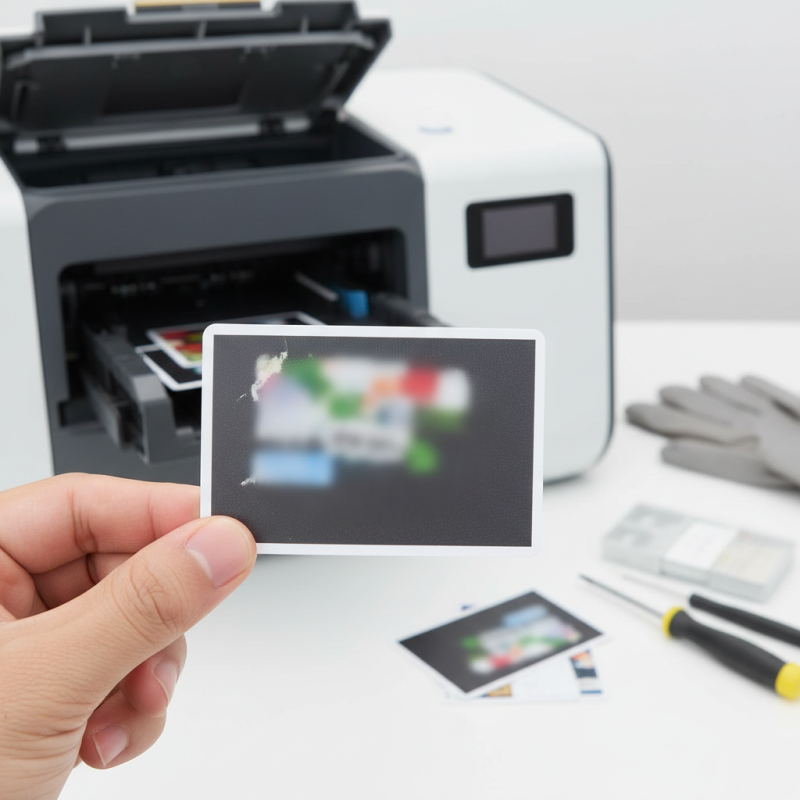
Understanding the presence of white edges on PVC cards is vital for maintaining high-quality outputs. These edges can significantly affect the visual appeal of your cards. When cards are printed, any misalignment during the printing process can result in unwanted white borders. This issue can arise from various sources such as incorrect printer settings, low-quality material, or even wear on the printing head.
You may ask why it matters. White edges can diminish the professional look of identification cards, membership cards, or gift cards. They may give an impression of negligence, impacting customer trust. Regularly assessing your printer settings and using high-quality PVC material can help mitigate this issue. Remember, ensuring a perfect print requires attention to detail and the right equipment.
Reflecting on occasional flaws can lead to improvement. If you frequently notice white edges, consider troubleshooting your printer. It might involve recalibrating the device or checking alignment with the card feeders. Small corrective measures can greatly enhance the final product. Taking proactive steps not only boosts card quality but also strengthens your reputation in producing reliable identity solutions.
White edges on PVC cards can result from various factors during the printing process. A major cause is incorrect card alignment. When cards aren’t aligned properly, the printer may fail to cover the entire surface, leaving unsightly white borders. Research indicates that poor alignment accounts for nearly 30% of printing issues in the industry. Regular calibration of the printer and consistent monitoring can mitigate this problem, ensuring cards are set correctly.
Another significant cause is the quality of the printer's ribbon. Low-quality ribbons can lead to uneven ink distribution, which contributes to white edges. Data from industry reports suggest that using inferior materials results in a 25% increase in printing defects. It’s essential to use high-grade materials to maintain a high-quality output.
In addition, the printer's resolution settings can influence the final product. If the settings are too low, the print may not cover the card adequately. Experts in the field recommend using a resolution of at least 300 dpi for optimal results. Failure to adhere to this can impact the card’s overall appearance, highlighting the need for careful adjustment.
Calibration plays a crucial role in ensuring edge quality and print consistency. A miscalibrated card printer can lead to unwanted white edges on printed cards. When the printer settings are off, the alignment may not match the card's actual dimensions. This misalignment affects the print area, resulting in unsightly gaps.
Regular calibration helps maintain accuracy. It ensures that the print head aligns perfectly with the card edges. You can achieve better outcomes by adjusting things like contrast and density. This attention to detail may also enhance overall print clarity.
In practice, users often overlook the importance of routine checks. A small deviation can lead to significant issues over time. Investing a bit of time in calibration may save you from frequent reprints. It allows for a more consistent output while reducing material waste. Users should not underestimate the impact of proper calibration on both quality and efficiency.
White edges on your PVC cards can be frustrating. These edges often result from misalignment during the printing process. Ensuring precise alignment is crucial, yet often overlooked. A slight miscalculation can lead to a significant margin, ruining an otherwise perfect card. Regular maintenance of the printer's components can help enhance accuracy.
Another common issue is the use of subpar materials. Low-quality PVC can lead to uneven prints and lackluster finishes. Investing in high-quality materials can mitigate this problem. Additionally, check the printer settings before each job. Incorrect settings may contribute to unwanted white edges. Sometimes, a simple adjustment can make a world of difference.
Monitor the calibration of your printer frequently. It’s easy to assume everything is fine until problems arise. Consider regular professional servicing for thorough checks. Even the best printers can develop issues over time. Implement these solutions diligently, and you will notice a marked improvement in your card printing.
Maintaining PVC card printers is crucial for achieving high-quality prints. Regular cleaning is recommended. According to industry reports, nearly 30% of print defects are due to improper maintenance. Dust and debris can accumulate in the printer, leading to white edges on cards. A systematic cleaning schedule can mitigate this issue and enhance the printer's longevity.
Calibration is another essential practice. Many users neglect this step, unaware that misalignment can cause print defects. Research indicates that misaligned printers can decrease print quality by up to 25%. Checking and adjusting the printer settings regularly can help ensure accurate prints. Small adjustments can lead to significant improvements in output quality.
Routine inspections are vital as well. Look for signs of wear and tear. Components like rollers and ribbons degrade over time. Experts suggest replacing these parts based on usage. Waiting too long can result in poor print quality. By incorporating these best practices, users can not only reduce defects but also extend the life of their printers.
| Issue | Cause | Solution | Frequency of Maintenance |
|---|---|---|---|
| White Edges on Print | Incorrect card alignment | Check alignment guides and adjust | Monthly |
| Faded Print | Low ink levels | Replace ink cartridges | Before each large print job |
| Blotchy Print | Dirty print head | Clean print head with appropriate cleaning kit | Weekly |
| Cards Jamming | Improper card feeding | Adjust card feeder and remove debris | Daily |
| Color Shifts | Calibration issues | Recalibrate printer settings | Monthly |
: White edges result from misalignment during printing. A small miscalculation can create significant margins.
Ensure precise alignment. Regular maintenance of printer components enhances accuracy and reduces issues.
Low-quality PVC can cause uneven prints. Investing in high-quality materials can improve finishes.
Check settings before each job. Incorrect configurations may lead to unwanted white edges on cards.
Monitor calibration frequently. Regular checks help maintain print quality and reduce defects.
Regular cleaning is essential. A systematic schedule can reduce dust and debris that cause white edges.
Components like rollers can degrade. Replacing them based on usage helps maintain print quality.
Look for visible signs on parts. Routine inspections can identify potential issues before they worsen.
In the world of PVC card printing, addressing the question "Why does my PVC card printer leave white edges?" is crucial for ensuring high-quality output. Understanding the common causes of white edges, such as misalignment and poor printer calibration, can significantly impact the end product’s appearance. Proper calibration of your card printer not only enhances edge quality but also improves overall print consistency.
To effectively eliminate white edges, implementing specific solutions such as adjusting the printer settings, using high-quality materials, and performing regular maintenance can make a substantial difference. Additionally, adopting best practices for maintaining your PVC card printer—like routine cleaning and checks—can further reduce print defects, ultimately leading to flawless card production and satisfied customers.