Imago Printer Imago Printer

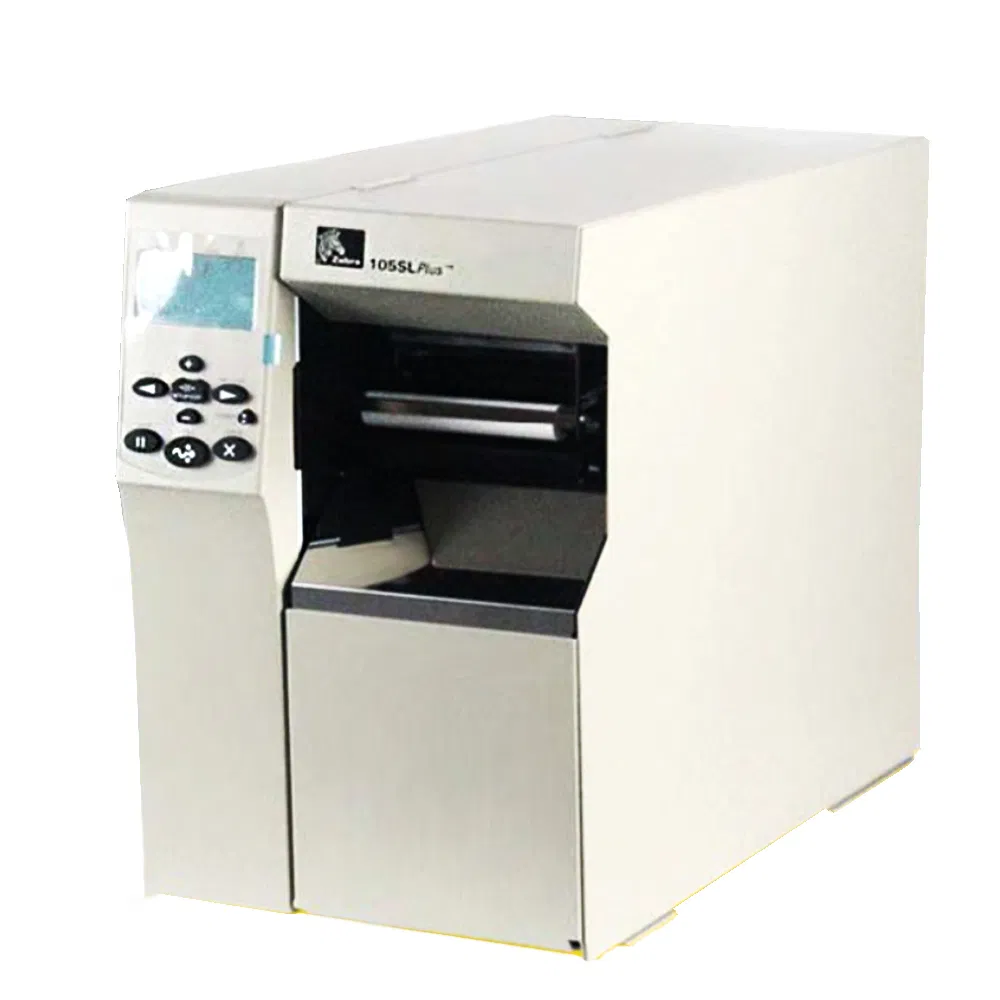
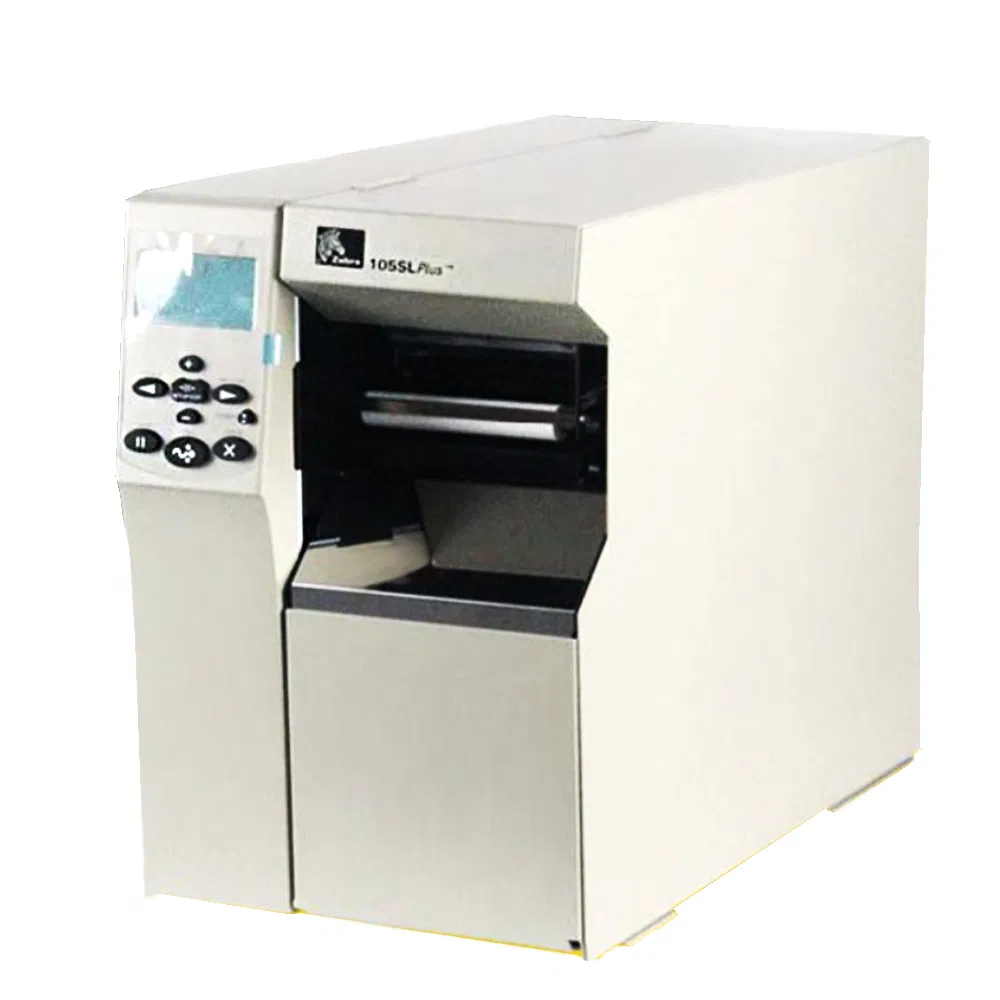
Zebra 105SL Supplier Digital Wall PVC Card Mini-Laser Thermal Barcode Label Printer

Customization: Available
Compatible for: Zebra
Print Head Color: Color

Product Description

📋 Basic Information
Model NO.
105SL
Resolution
200dpi
Delivery
1-7 Days
MOQ
1PC
Quality
100% Tested
Adaptation
Zebra Printer
Inventory
Availability
Package
Wooden Case
Origin
USA
HS Code
8443992100
🔍 Product Description

Zebra Printer 105SL High Performance

ItemZebra Printer
Used105SSL
Warranty3 months/30 kilometers
ConditionOriginal new
PackingCarton box / Wooden case
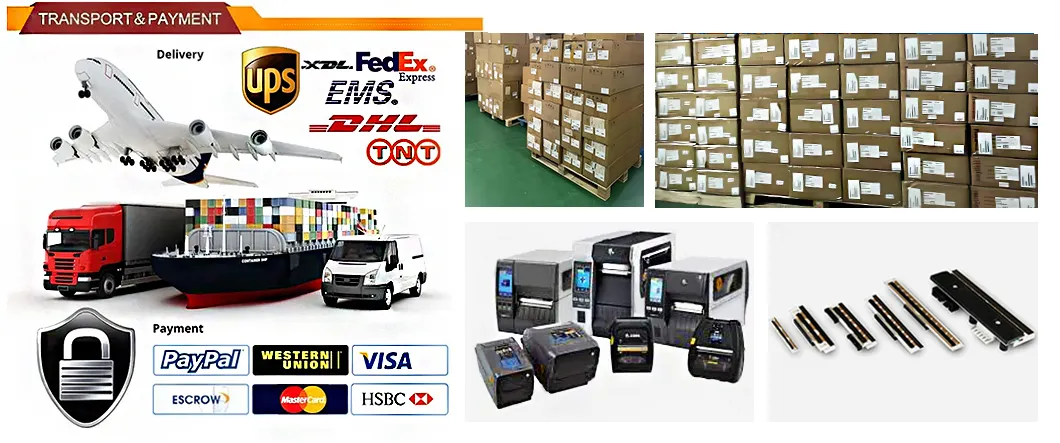
ShippingDHL, UPS, Fedex, TNT, EMS, Hongkong Post, China Post
PaymentL/C, T/T, Paypal, Western Union, D/P
Zebra Printer
📦 Packaging & Shipping

All goods are packed using wooden case packages, vacuum packaging, PE film packing, and carton packing combinations to ensure no damage during transportation.

Packaging Detail
Printer Stock 1
Printer Stock 2
🚀 Global Printing Solution Expert
Massive Inventory: Bonded warehouses in multiple regions with 3000 units in stock for immediate response.
Price Advantage: Large scale procurement and localized production results in cost reduction of 25%-40%.
Technical Empowerment: 20-year R&D team providing selection, adaptation, and maintenance services.
Fast Logistics: 72-hour direct delivery to major cities worldwide; urgent orders within 48 hours.
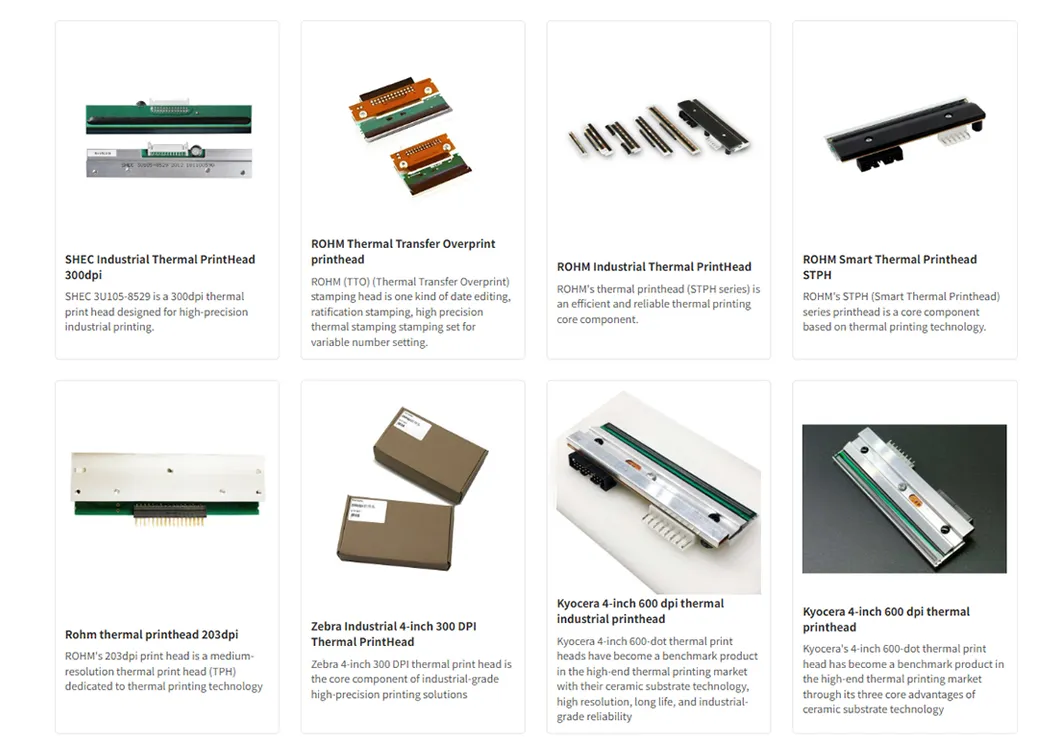
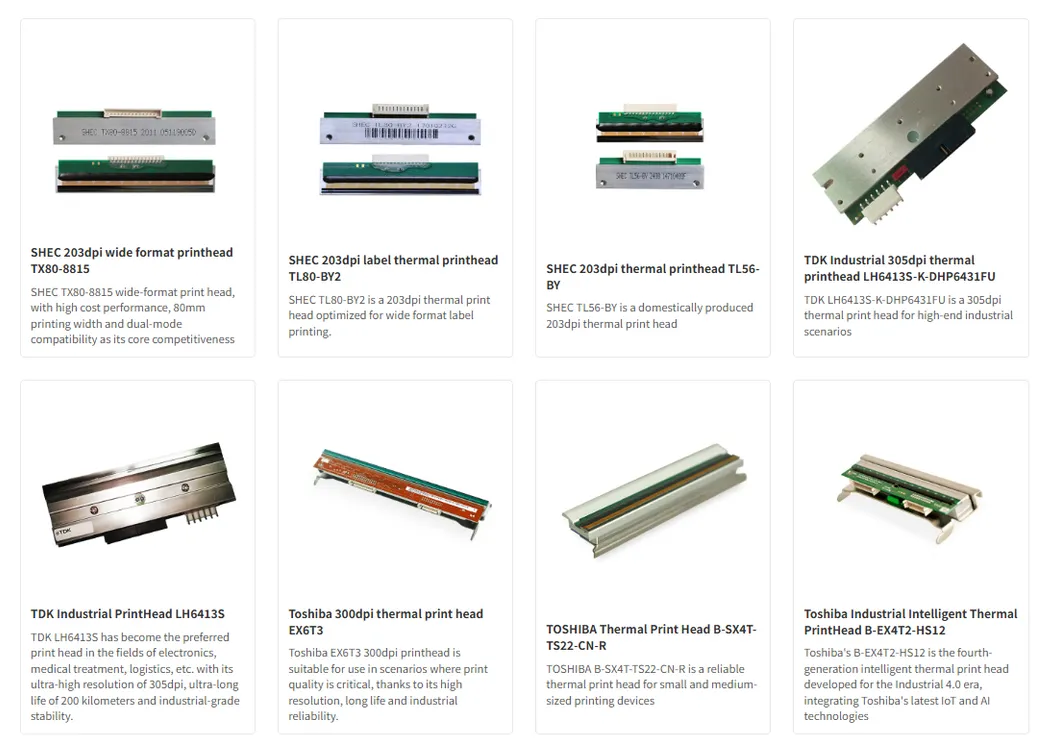
Printhead 1
Printhead 2
Solution Banner
🤝 Cooperation Brand
Global Brands
Frequently Asked Questions
Q1. What is a print head?
The print head is the core component of the printer, responsible for transferring ink or toner to paper. It directly affects the print quality. Inkjet heads spray ink through nozzles, while laser optical components use lenses and drums.
Q2. How to determine if the print head needs replacement?
You should consider replacement if printing is broken, colorless, or blurry; if the printer prompts a print head failure; or if normal printing cannot be restored after multiple cleanings.
Q3. How do I replace the print head?
Turn off the printer, open the cover, locate the printhead under the ink cartridge holder, unlock the old unit, install the new one ensuring clean contacts, and finally calibrate through printer settings.
Q4. How do I prevent the print head from clogging?
Use the printer regularly (at least once a week), always use high-quality ink to avoid precipitation, and keep the dust cover on when not in use to avoid exposure to air.
Q5. When should a thermal print head be replaced?
Replacement is needed if the print is blurred, partially missing, shows white lines, or if there are black scratches on the paper caused by head damage.
Q6. What shipping methods are available?
We support a wide range of international carriers including DHL, UPS, Fedex, TNT, and EMS for global direct delivery.
24 HRS ONLINE SERVICE
Quick response and guaranteed warranty for your printing solutions!

Related Products