Imago Printer Imago Printer

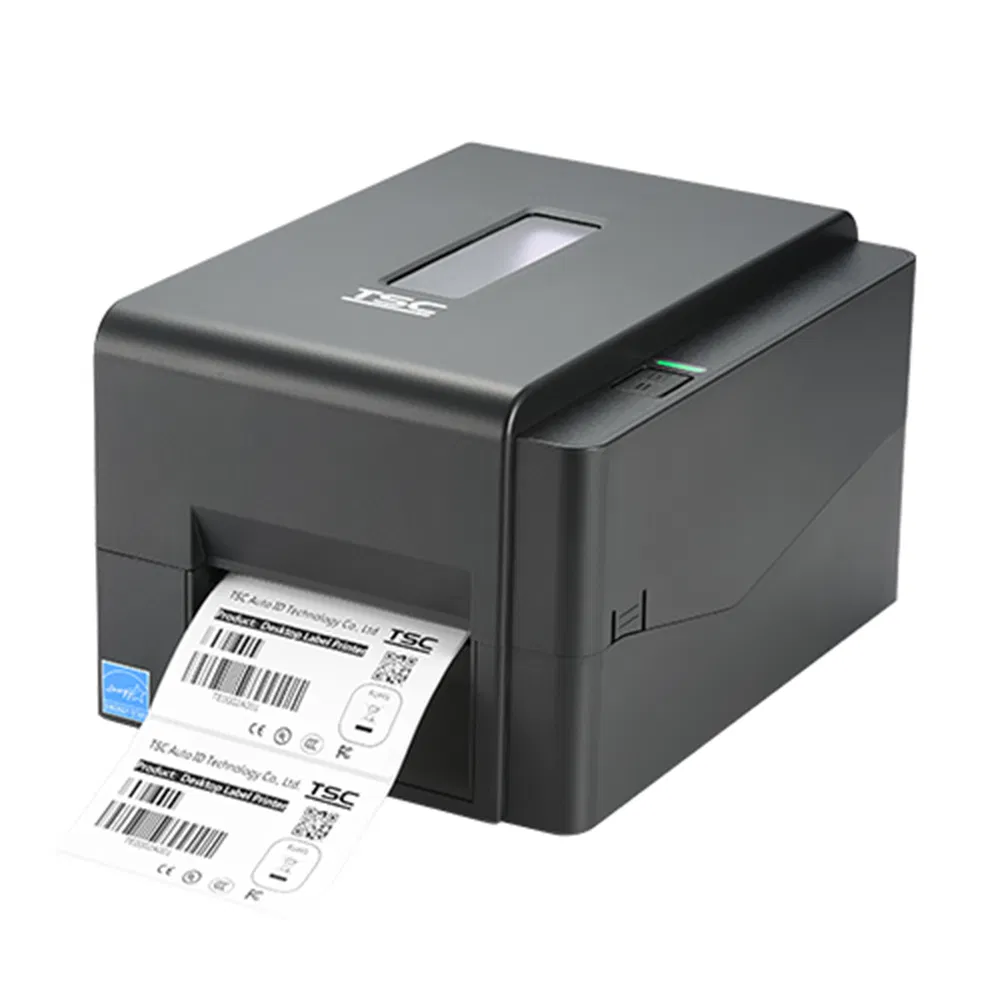
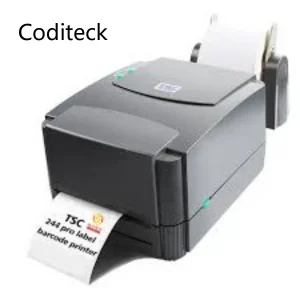
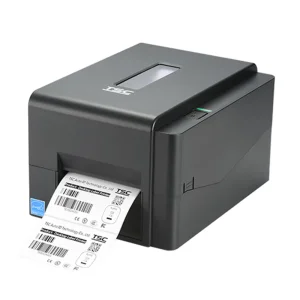
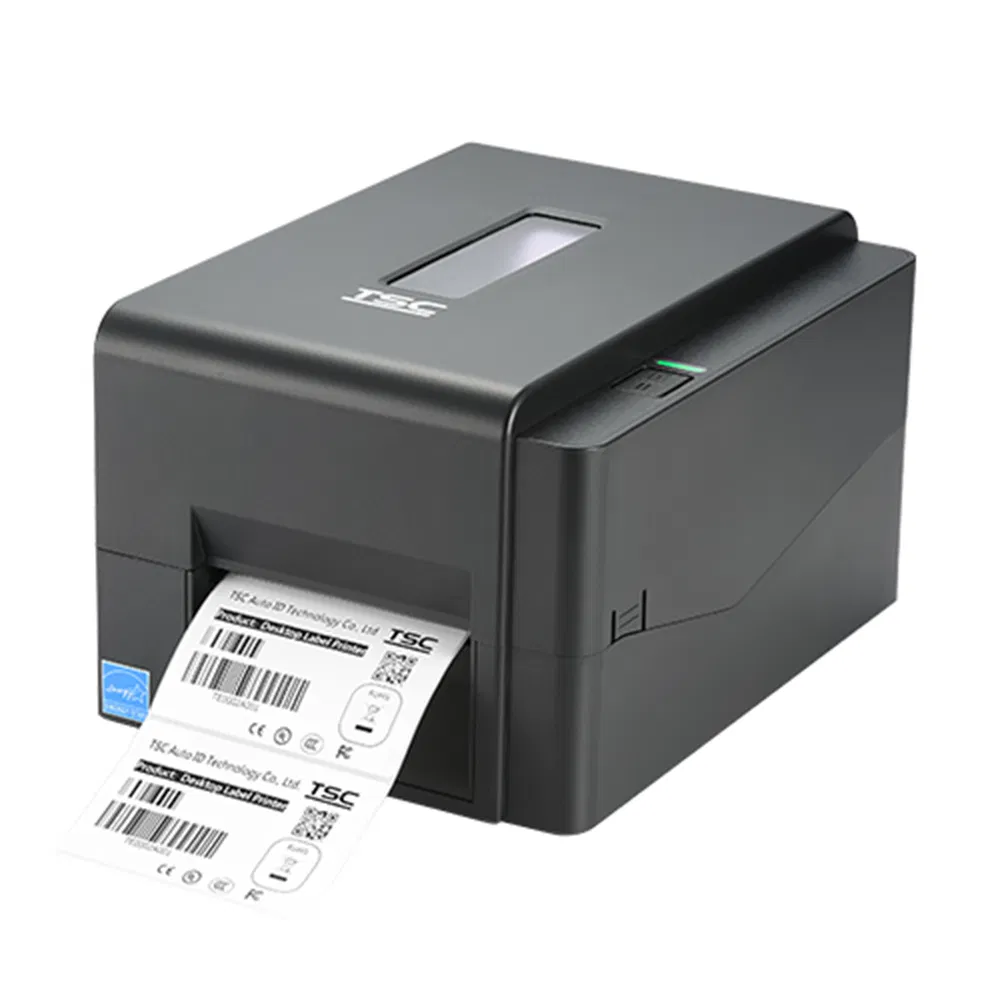
Tsc Te244 203dpi Desktop Thermal Transfer Barcode Printer

Customization: Available
Usage: Label Printer
Type: Thermal

Product Description

Basic Information
Model NO.
TE244
Automatic Printing
Not Support Automatic Two-sided
Supply Paper Mode
Automatic
Interface Type
USB
Network Function
Wireless Network
Consumable Type
Split Cartridge
Max. Paper Size
4"
Characteristics
New / Tested
Trademark
TSC
Origin
Taiwan
Packaging & Delivery
Package Size
80.00cm * 50.00cm * 40.00cm
Package Gross Weight
5.000kg
Transport Package
Carton Packing or Wooden Case
Product Description

TSC TE244 203DPI Desktop Thermal Transfer Barcode Printer

ItemTSC Printer
TypeTSC TE244
Warranty3 months / 30 kilometers
ConditionOriginal new
PackingCarton box / Wooden case
ShippingDHL, UPS, Fedex, TNT, EMS, Post
PaymentL/C, T/T, Paypal, Western Union, D/P
MOQ1 pc
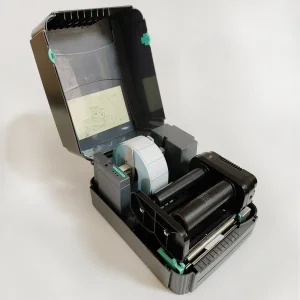
TSC TE244 Printer Main View
Packaging & Shipping Details

All goods packed with wooden case package, vacuum packaging, PE film packing, or carton combinations to ensure zero damage during transportation.
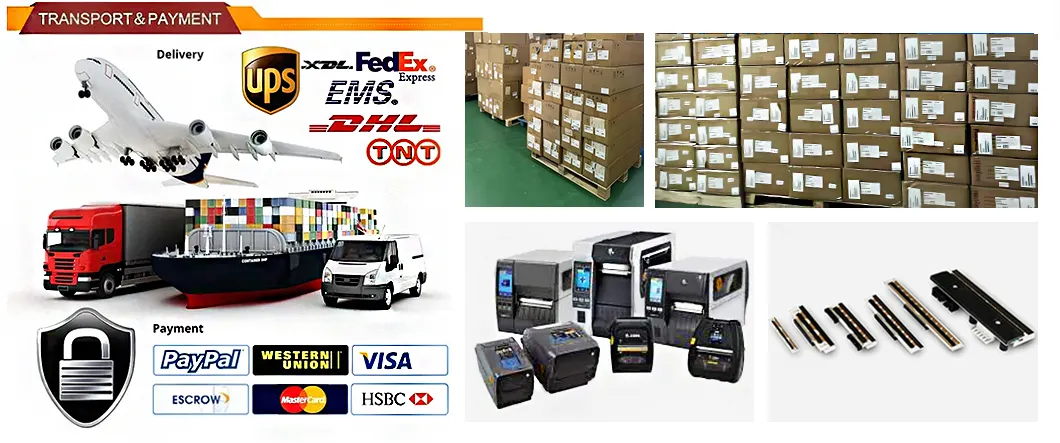
Shipping Logistics

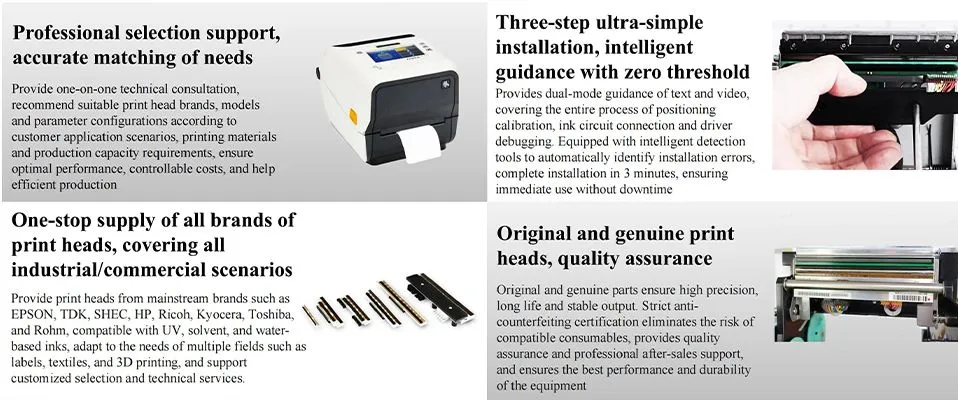
Featured Product Line: Printers & Printheads
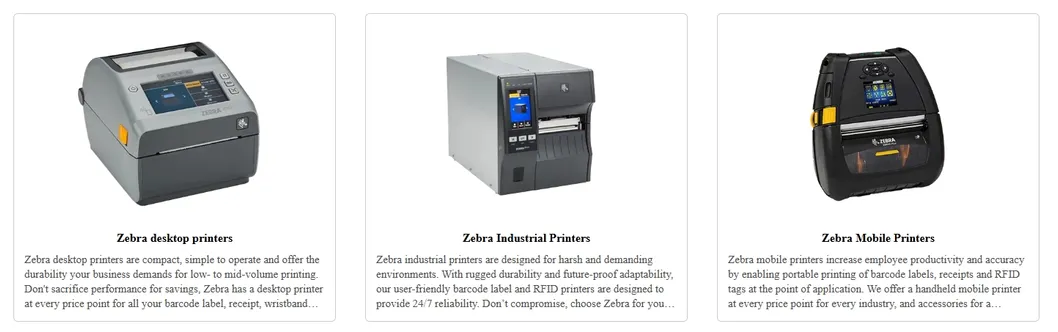
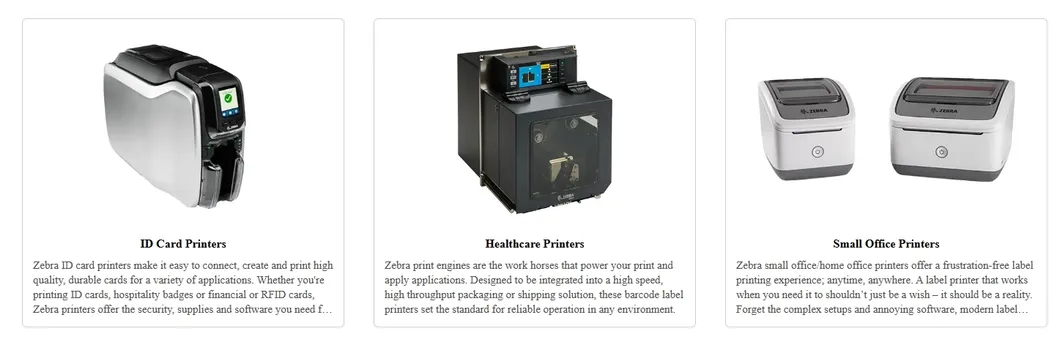
Printer Model A Printer Model B
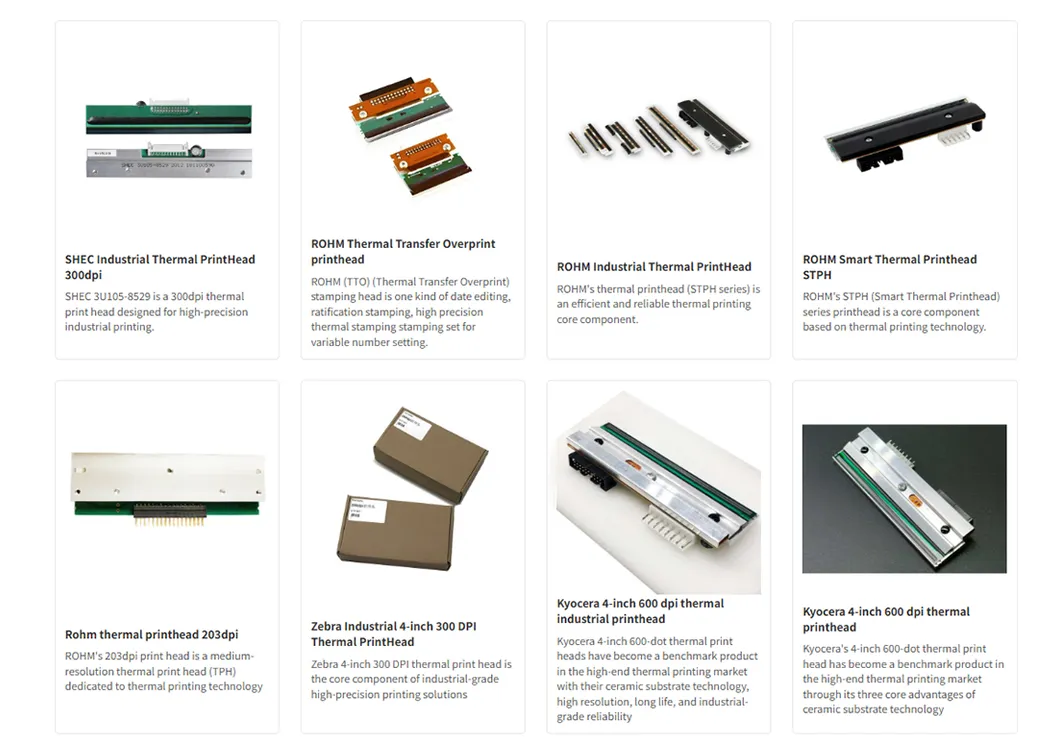
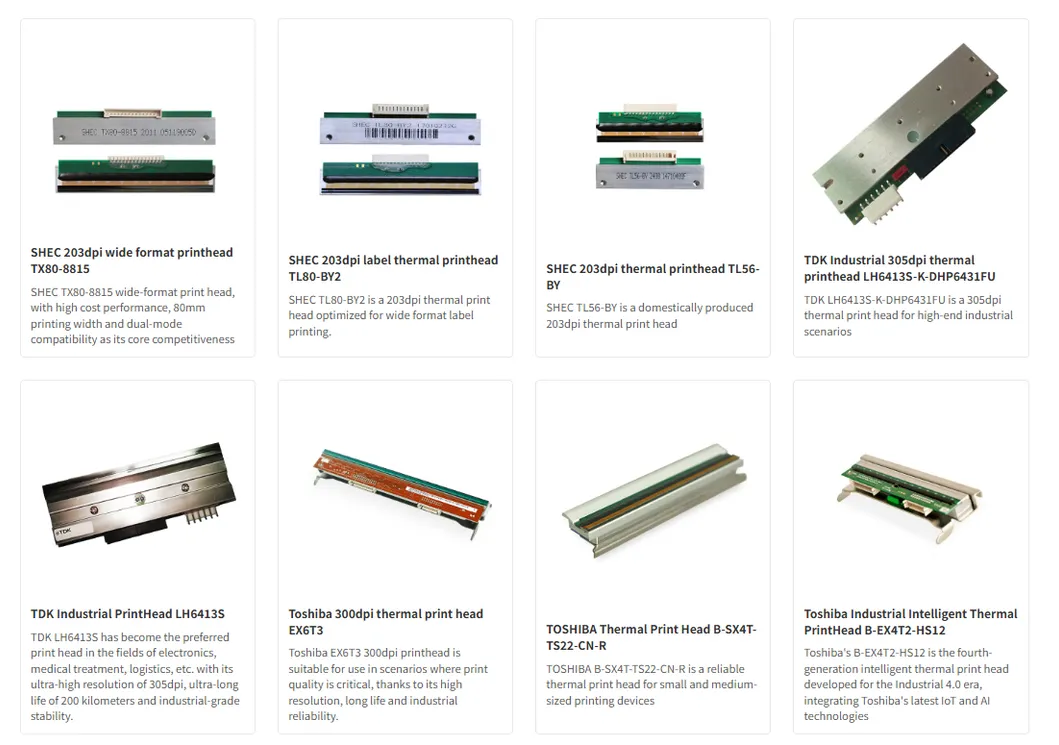
Printhead Detail A Printhead Detail B
Global Printing Solution Expert
Global Printing Solutions
1
Full Product Matrix Coverage:
Self-owned brand: High performance printers/print heads, cost optimized by 50%+.
International brands: Zebra, TDK, SHEC, Toshiba, ROHM, and more available in stock.
2
Core Advantages:
Massive inventory with 3000+ units in stock; Price reduction of 25%-40% through large scale procurement; 20-year R&D technical support.
3
Fast Global Logistics:
72-hour direct delivery to major cities worldwide; urgent orders expedited within 48 hours.
Brand Facility A Brand Facility B
Cooperation Brands
Cooperation Brands
Frequently Asked Questions
1. What is a print head?
The print head is the core component of the printer, responsible for transferring ink or toner to paper. It directly affects print quality. Types include inkjet (thermal/piezoelectric) and laser print heads.
2. How to determine if the print head needs to be replaced?
Replacement is likely needed if printing is broken, colorless, or blurry; if the printer prompts failure or "not detected"; or if normal printing cannot be restored after multiple cleanings.
3. How do I replace the print head?
Turn off the printer, locate the printhead under the cartridge holder, unlock/unlatch the old unit, install the new head ensuring clean contacts, then run the calibration procedure in settings.
4. How do I prevent the print head from clogging?
Use the printer regularly (at least once a week), use original or high-quality ink to avoid precipitation, and keep the dust cover closed when not in use to avoid air exposure.
5. How to determine if the thermal print head needs to be replaced?
Signs include blurred prints, partial missing sections, white lines, or black scratches on the paper. The device may also report an "overheated" or "failure" error.
6. What service do you provide for after-sales?
We offer 24-hour online quick response and guaranteed warranty support for all your printing hardware needs.

Related Products